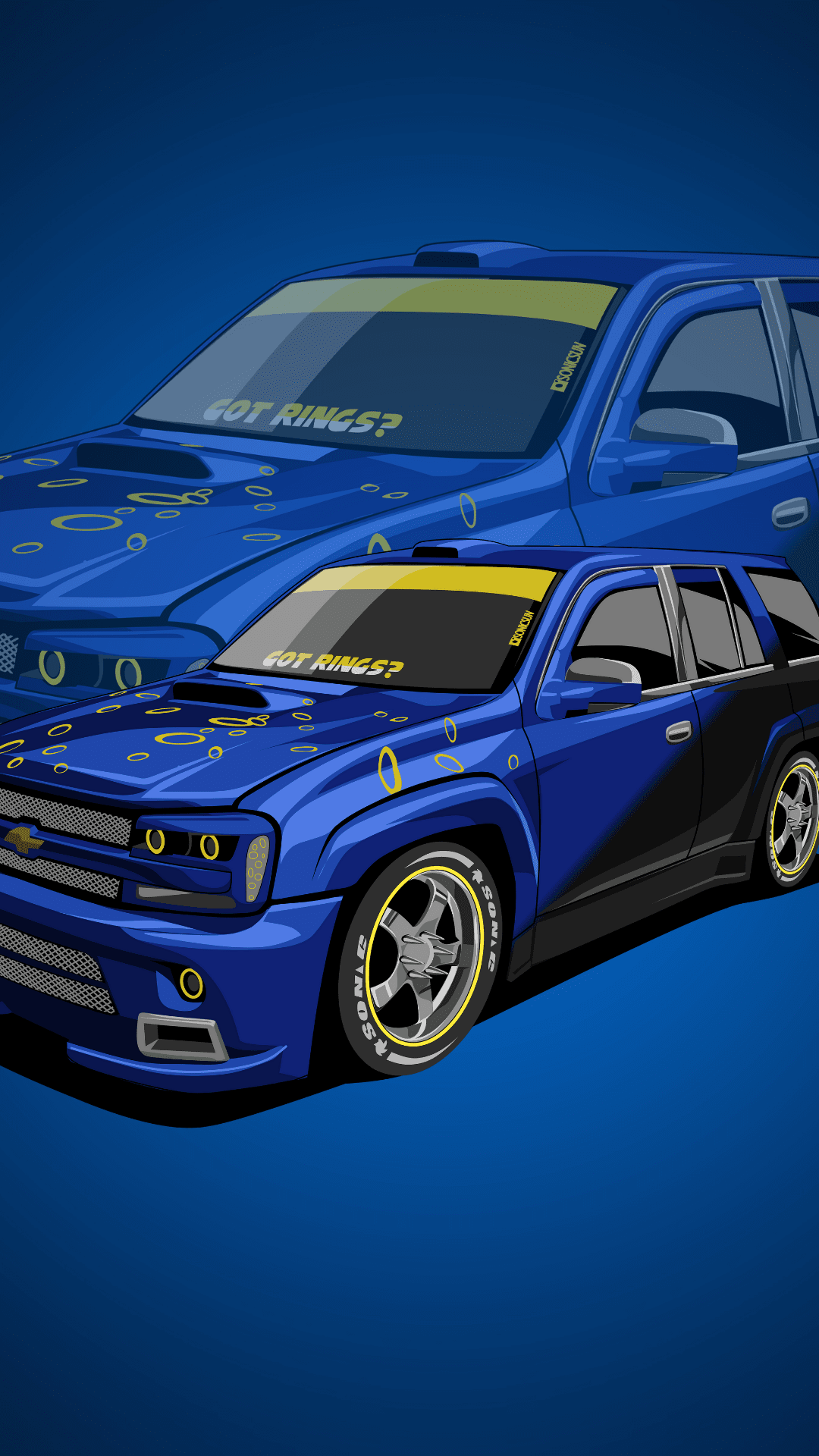
Official Snapchat Lens FIlter! Now when you see us feel free to snap the filter and use it and submit it to our IG to be featured!

TeamC4. Snap Lens filter
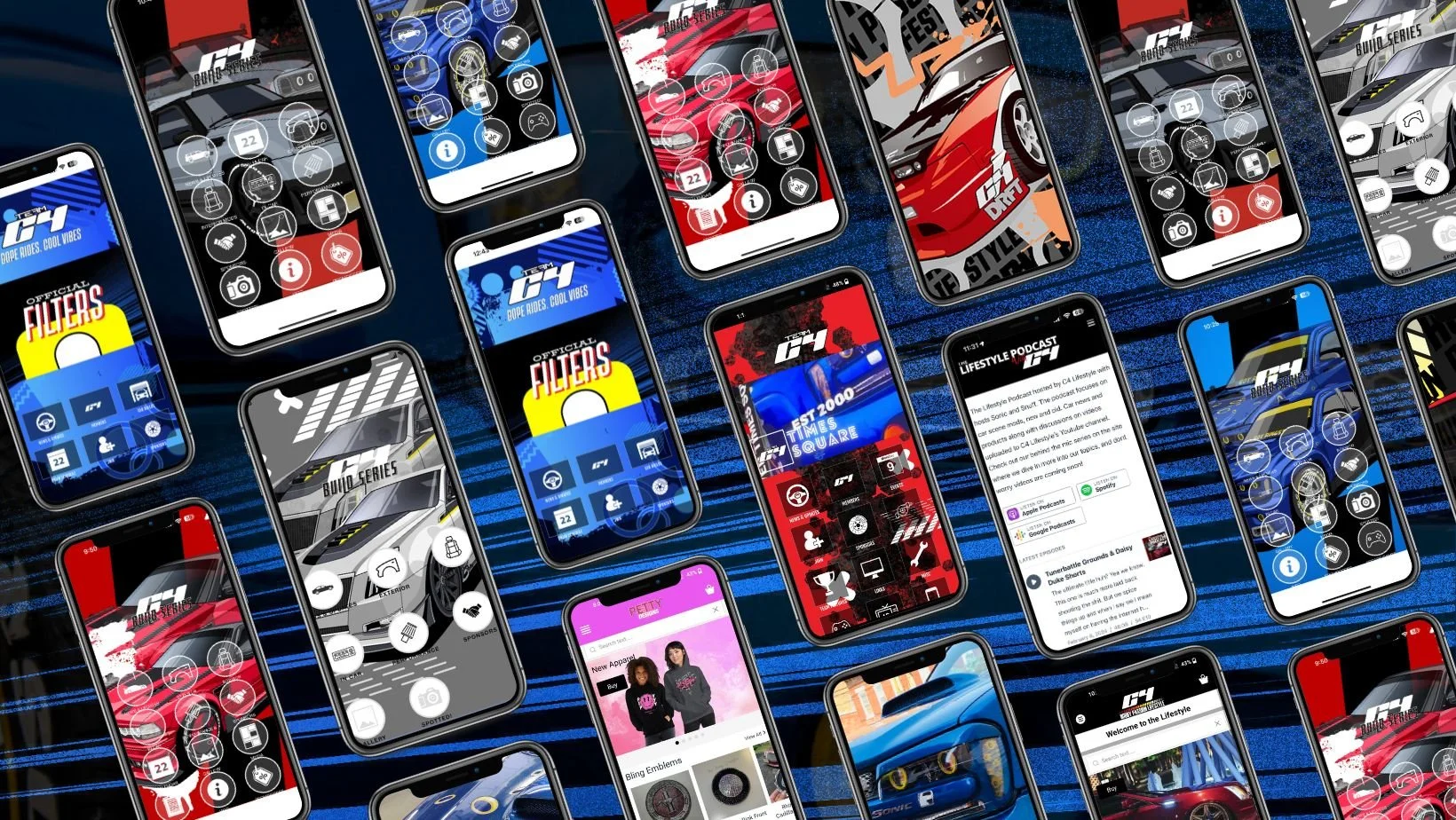
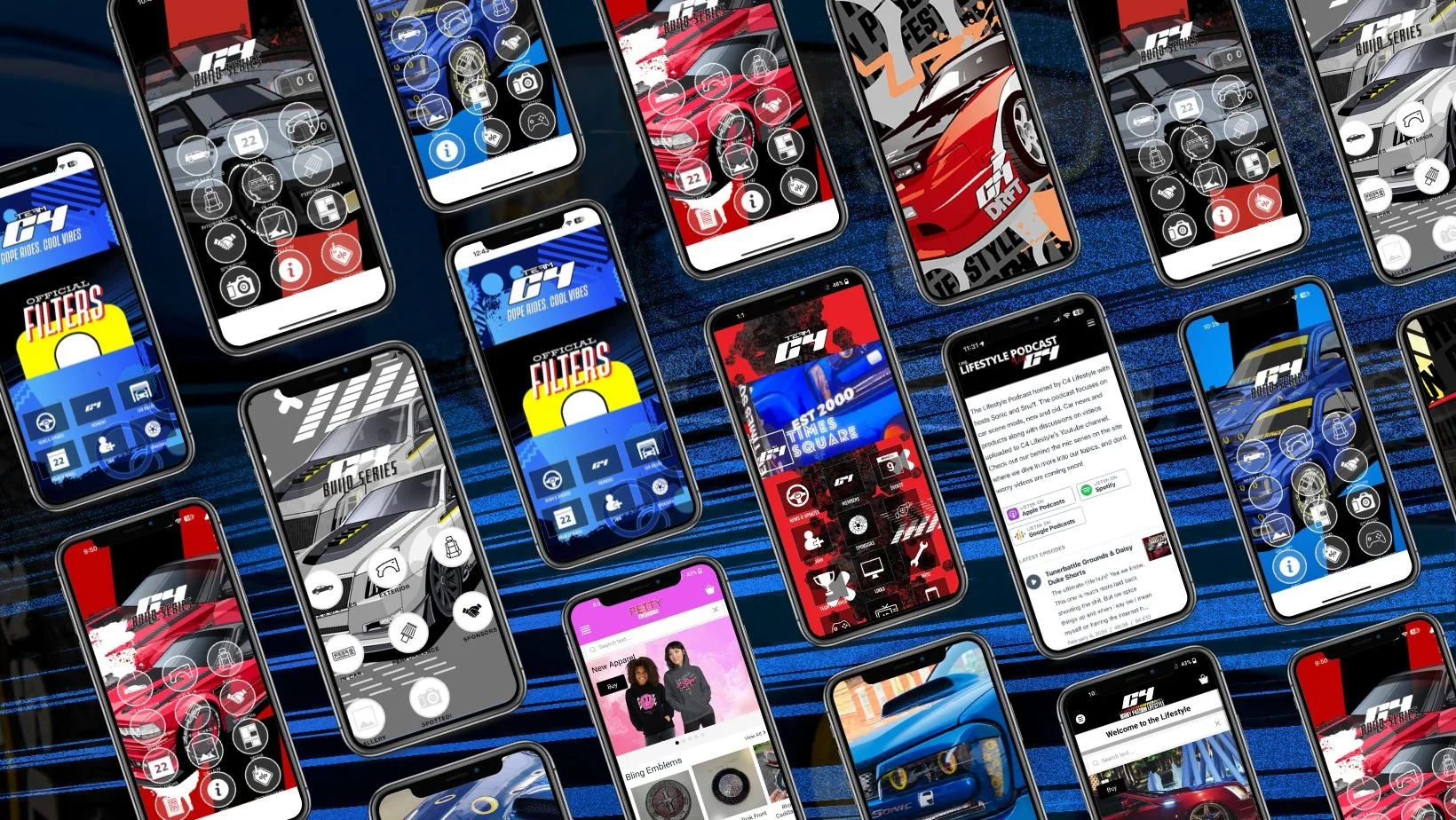
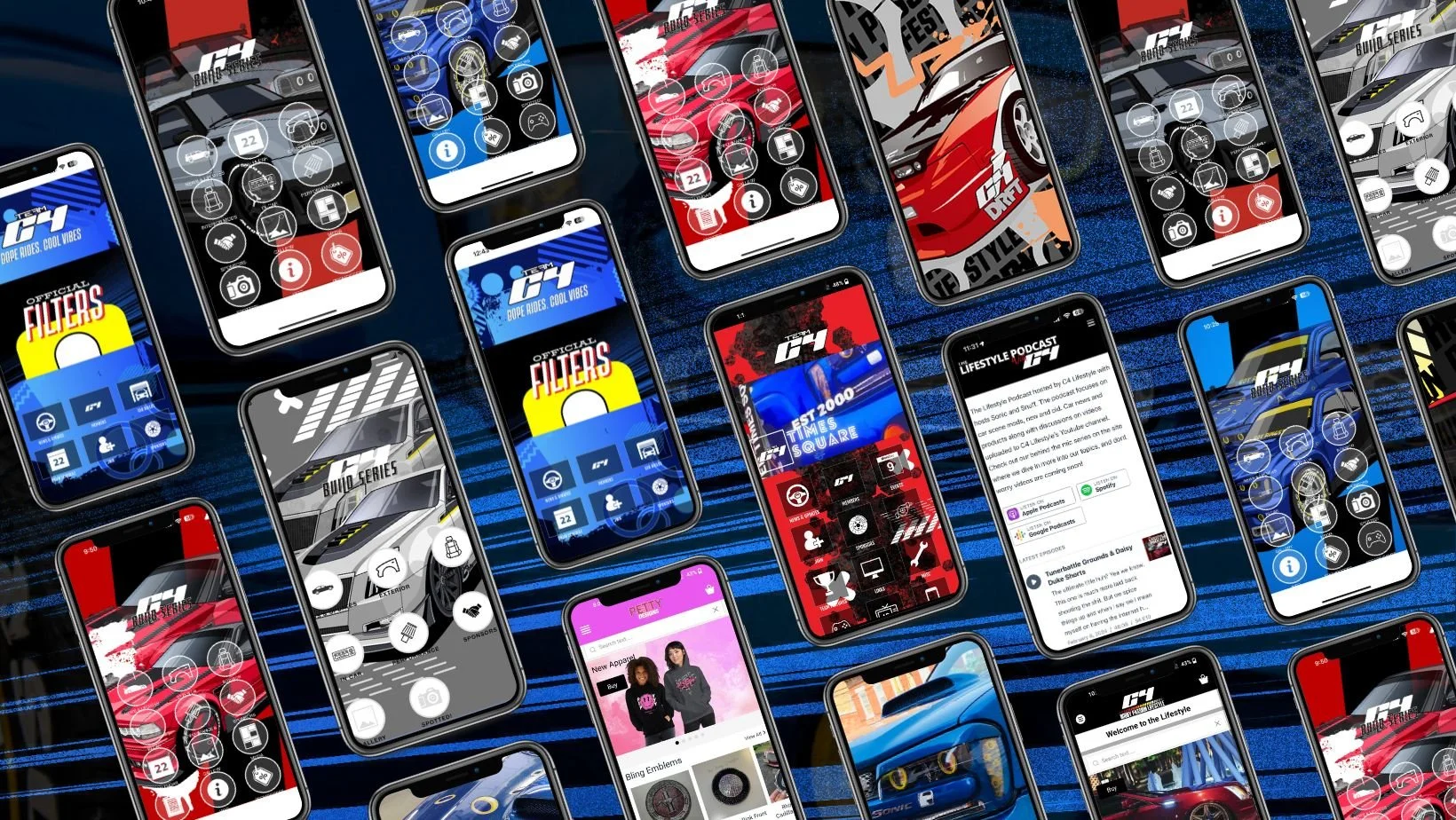
Follow just some of the builds with their own interactive web app!
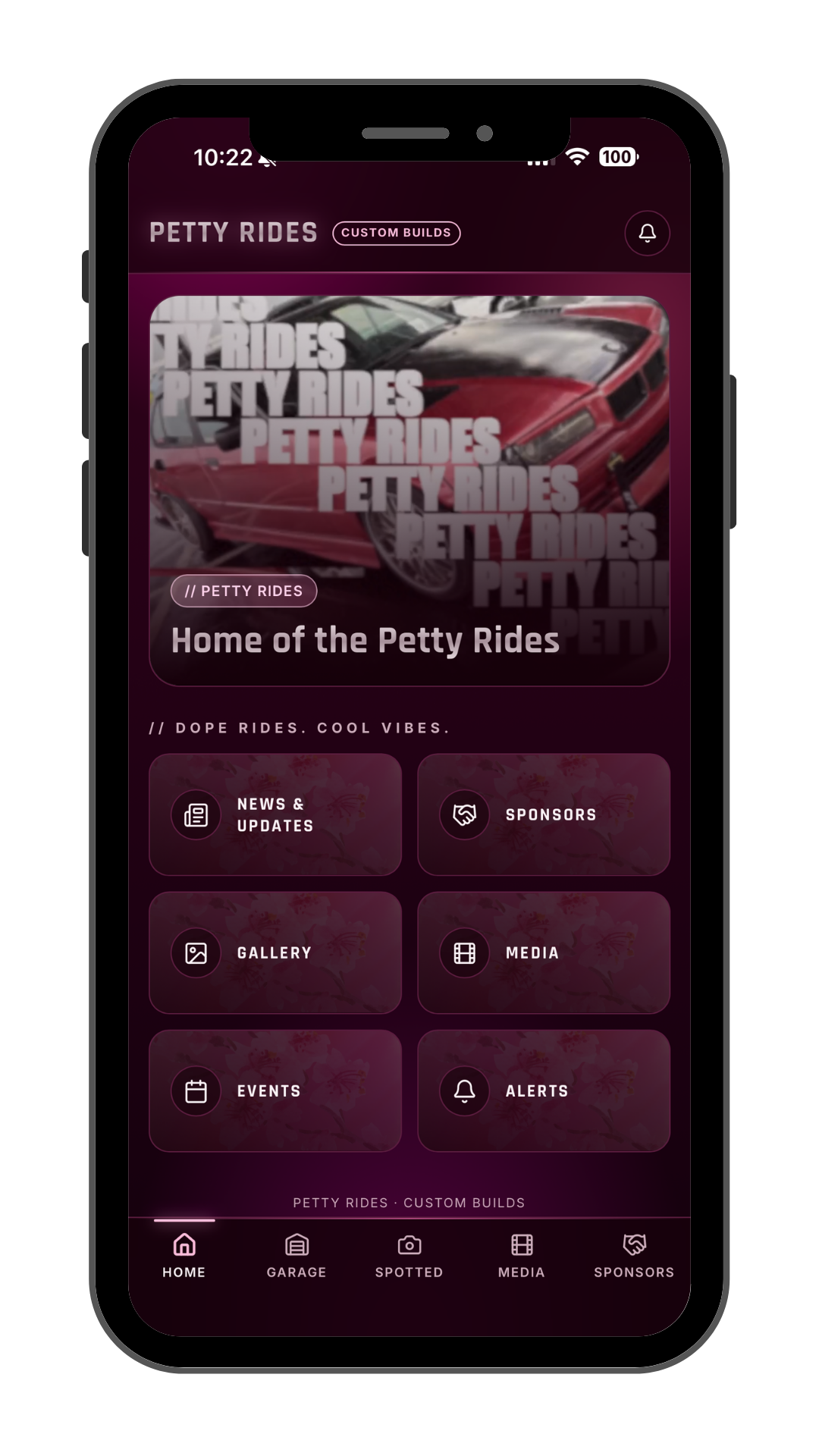
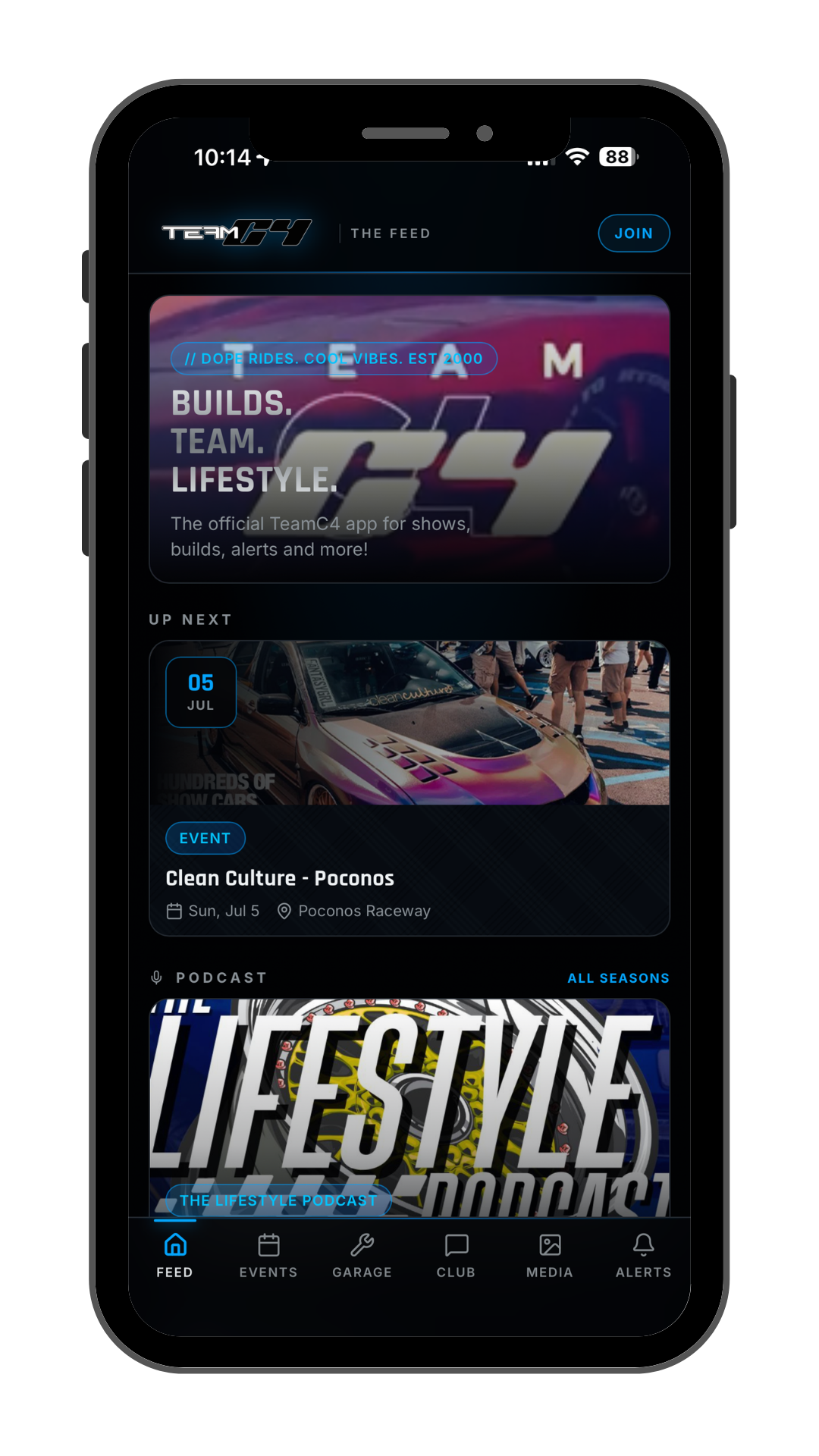
TeamC4. Interactive Web Apps
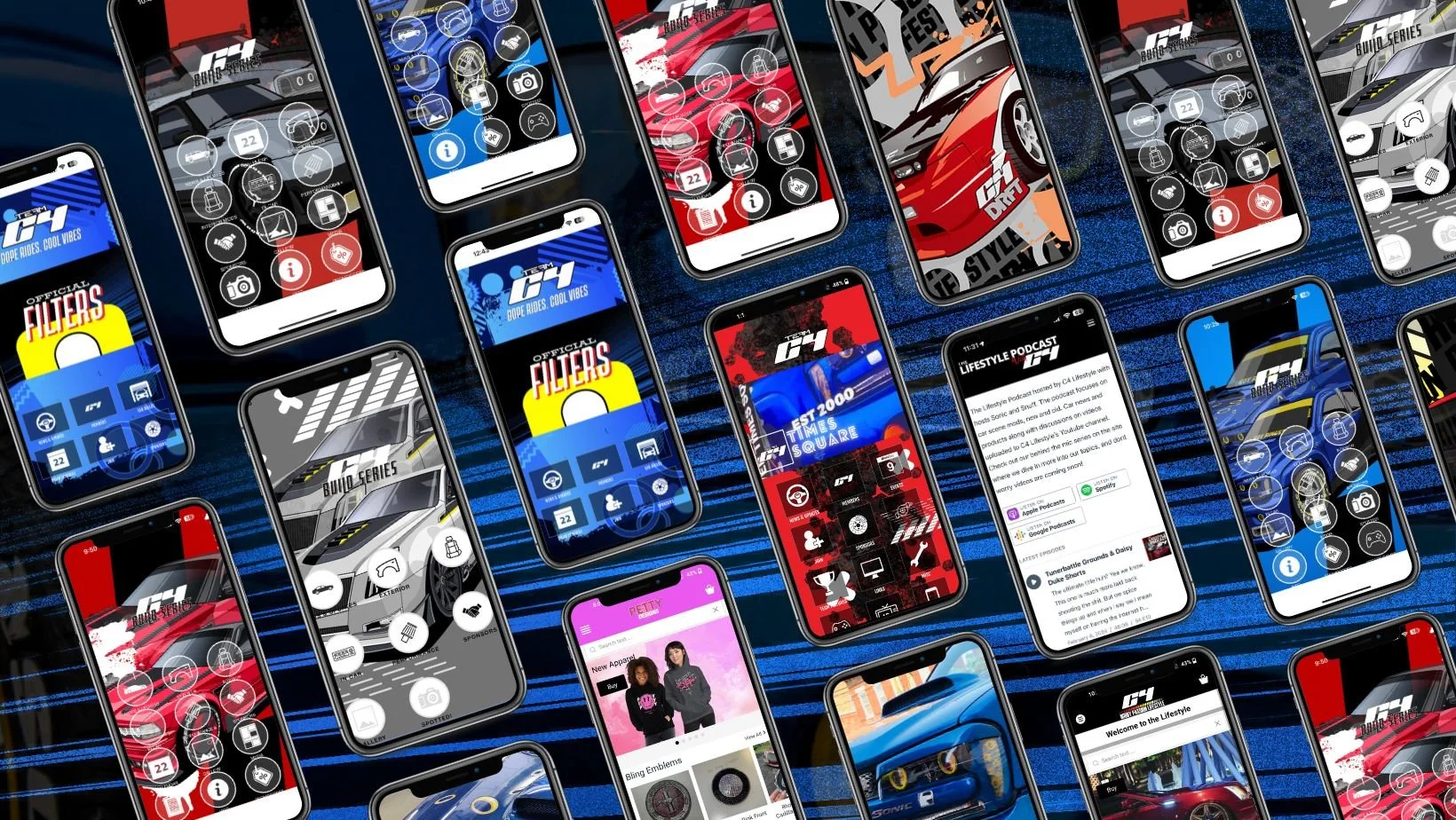
TeamC4. Mobile - Games - Stickers
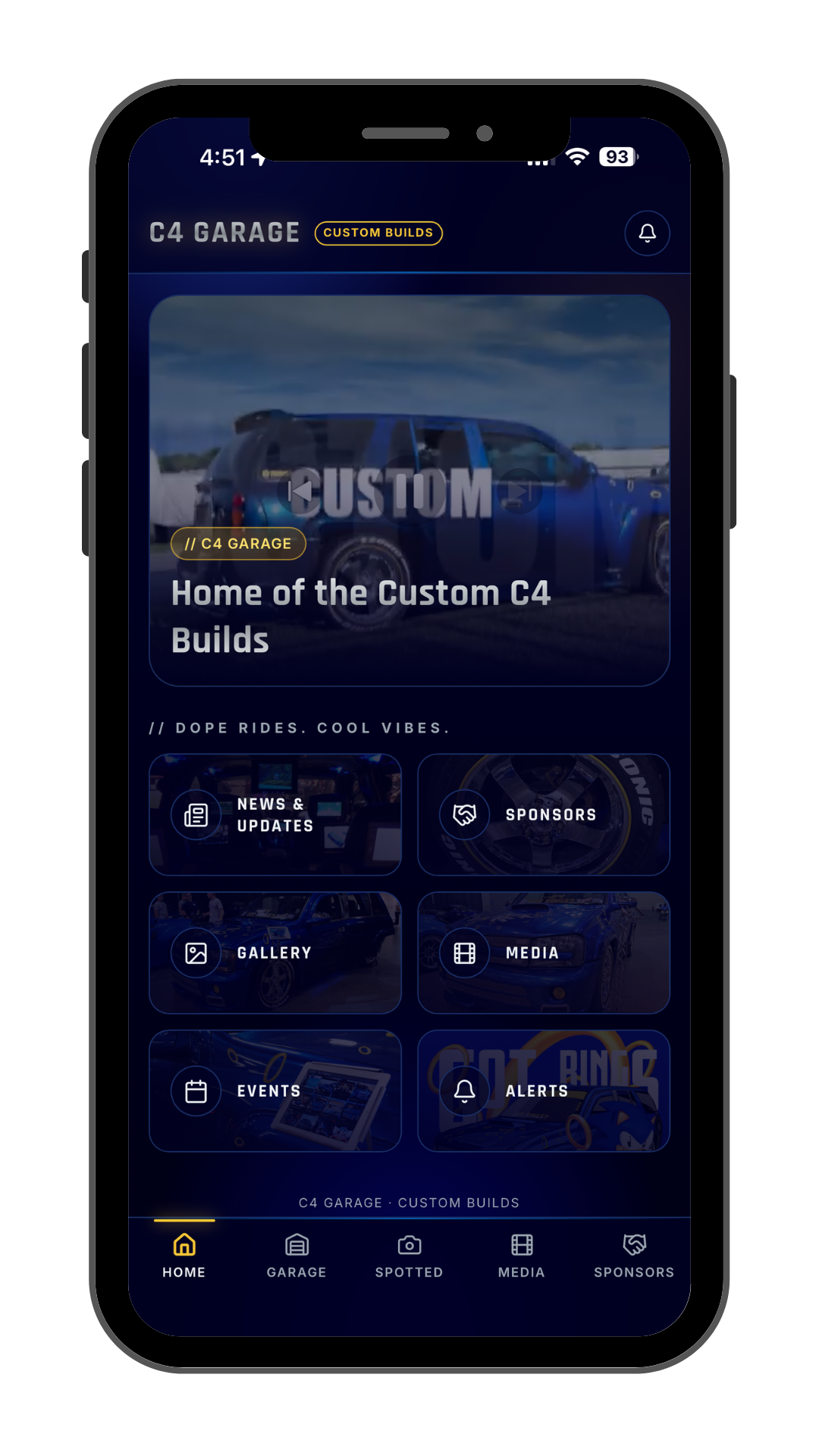
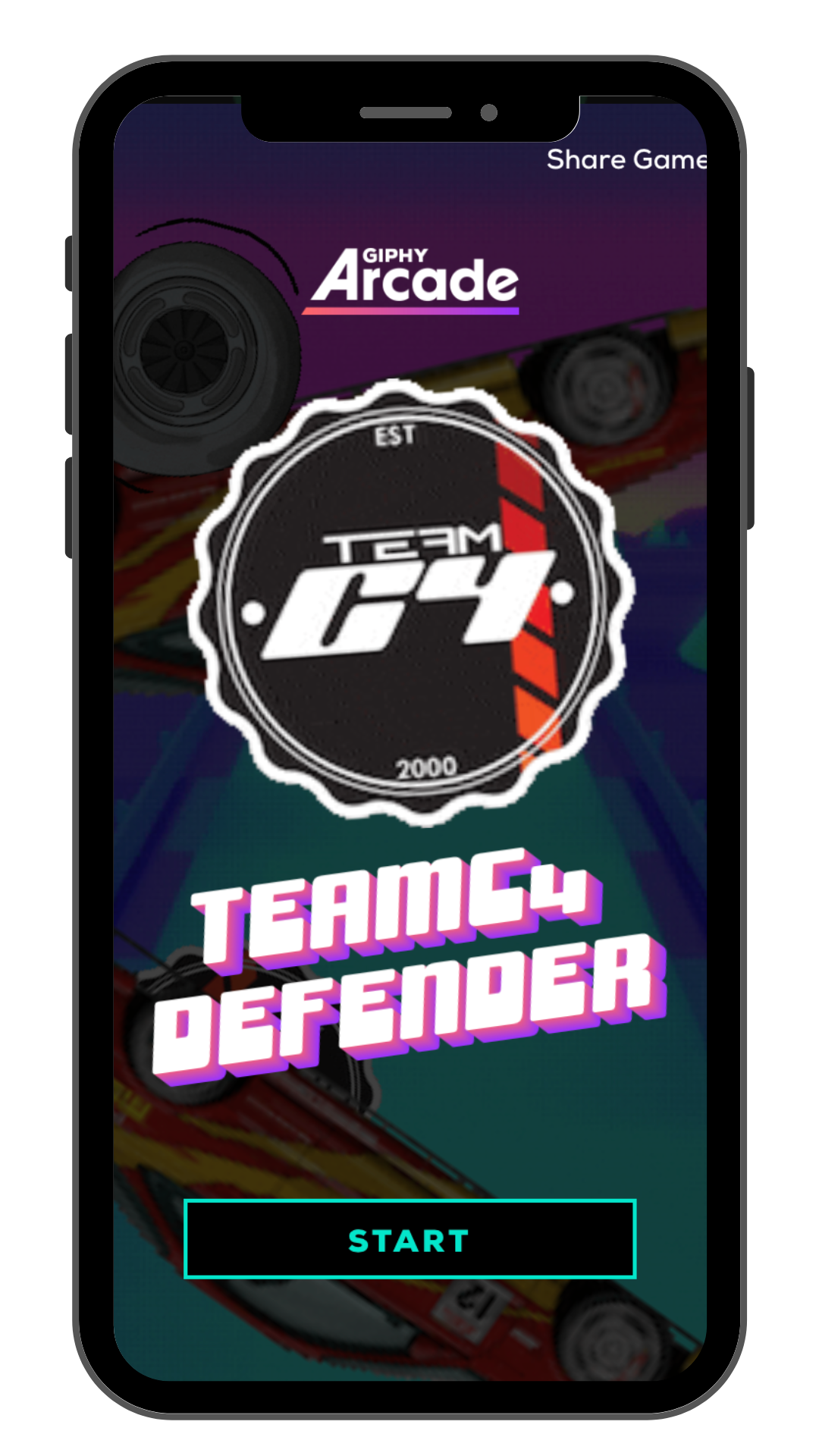
Check out the members. Stay connected on the go to our news & updates. Check out the sponsors for discounts on parts & accessories. And you can even sign up right from the app. And if you are bored play some games on us! No downloading required!


official instagram stickers


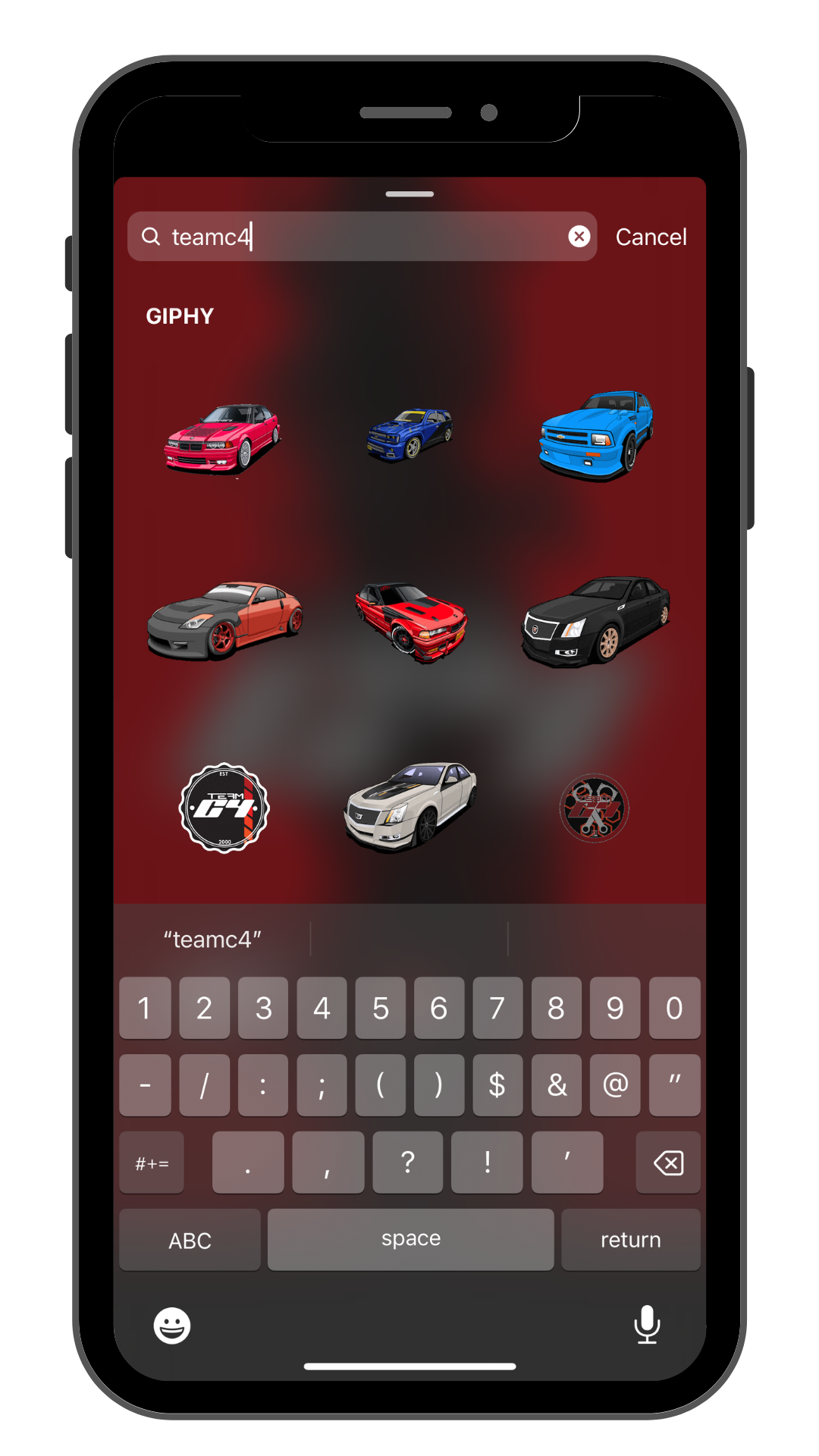
Official Instagram Stickers. Simply search for ‘teamc4’ and have some fun!


TeamC4. Desktop Apps
Stay connected to the team and where we will be simply by clicking on the menu bar on your Mac & Windows desktops or laptops. No need to reach for the mobile app you can download us right on your desk top.
Download the zip that matches your Mac (Apple Silicon = arm64, Intel = x64).
Unzip and drag TeamC4.app into /Applications.
First launch: right-click the app → Open (unsigned, one-time Gatekeeper prompt).
TeamC4 logo appears in your menu bar — click to toggle the popover. Right-click for Reload / Open in Browser / Quit.


Download TeamC4-win-x64.zip (most PCs) or -arm64.zip (Surface Pro X / ARM laptops).
Right-click → Extract All into a folder like C:\TeamC4\.
Double-click TeamC4.exe.
SmartScreen "unrecognized app" → More info → Run anyway (one time, because unsigned).
TeamC4 icon appears in the system tray — click to pop the window; right-click for Reload / Open in Browser / Quit.
Desktop Wallpapers






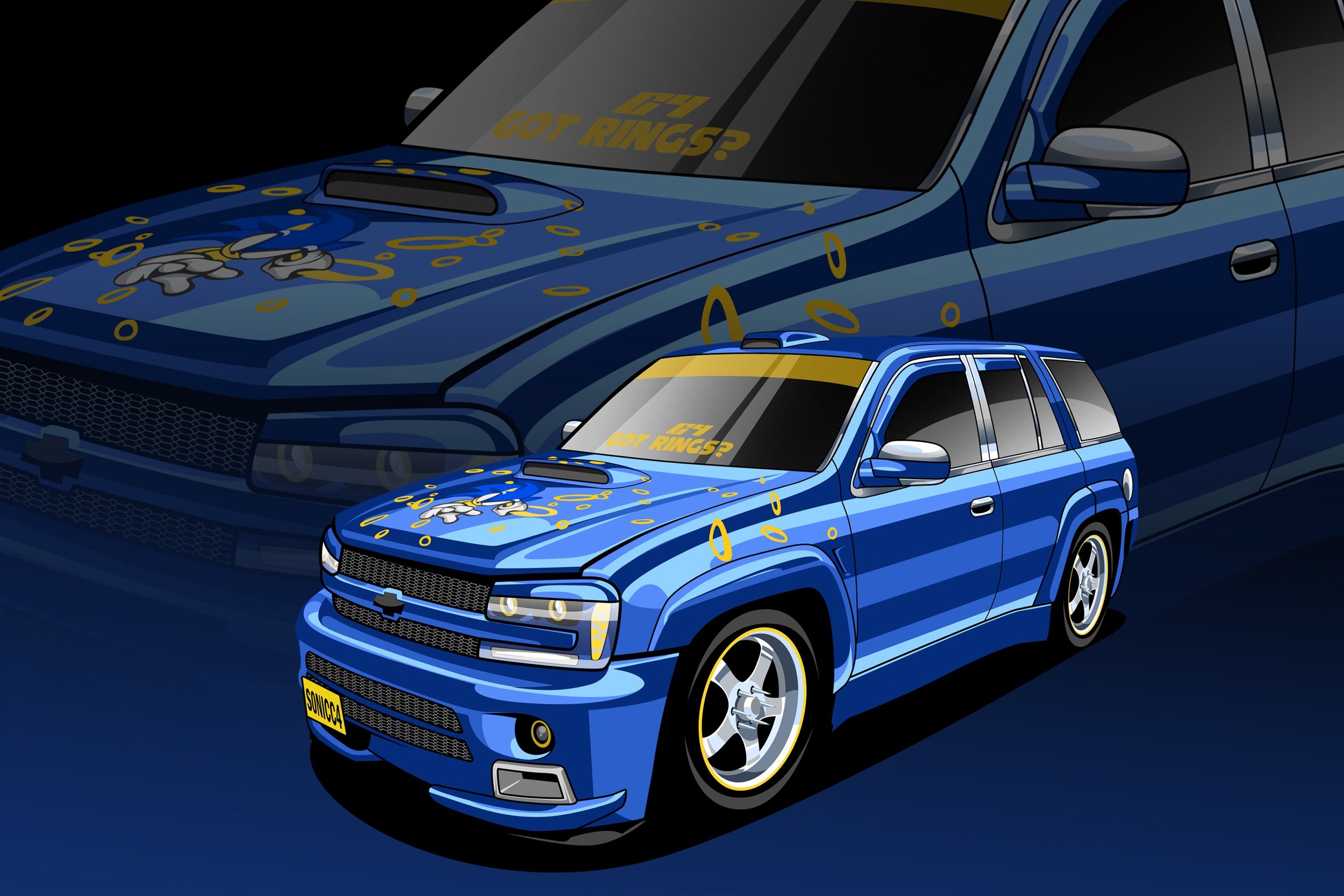










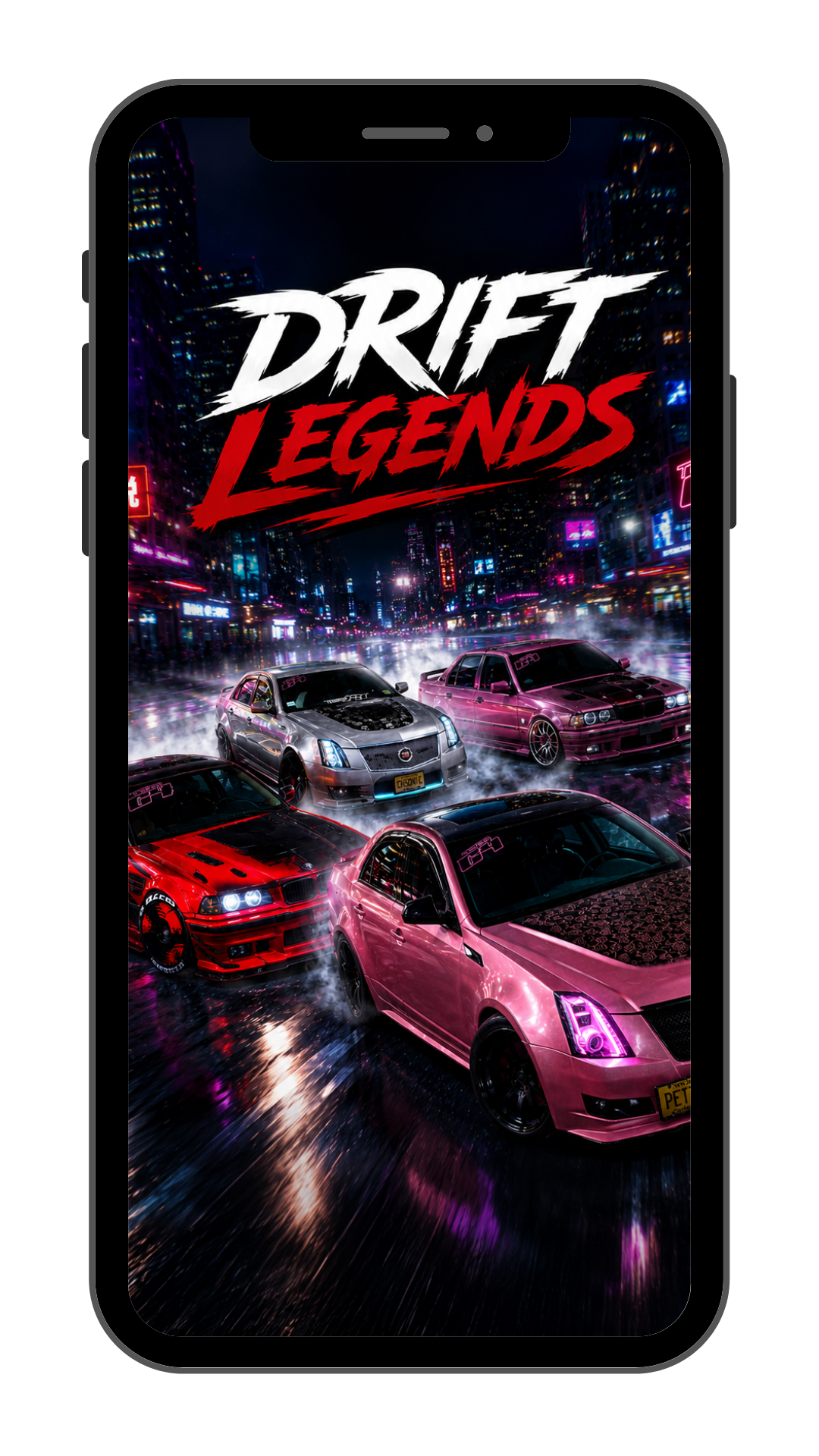
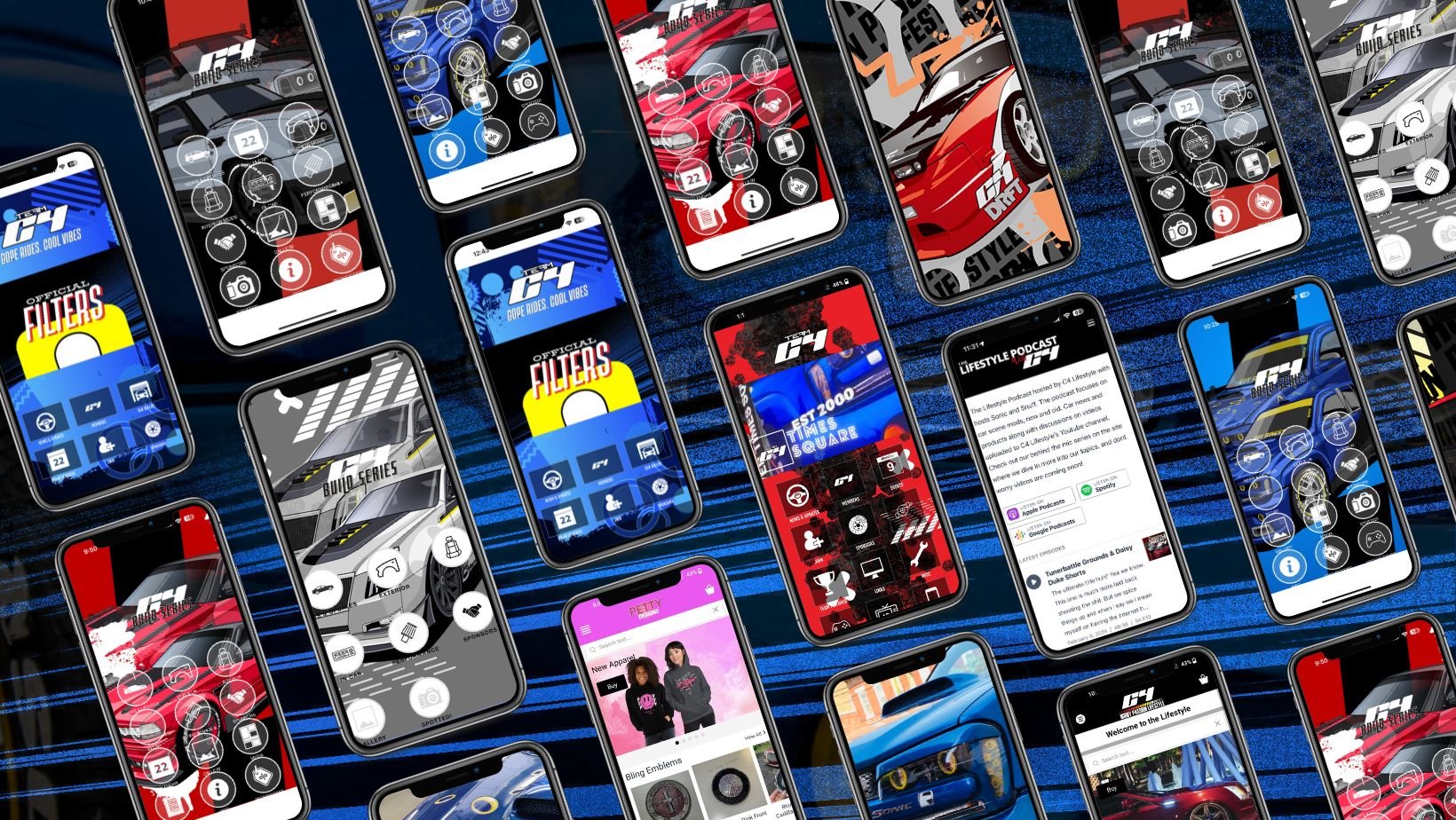
Mobile Wallpapers